


Social Media Account Takeover and Profile Cloning: A Practical Guide
Your social media account is a gateway to your personal life. It contains private messages, photographs, contact lists, and the ability to speak directly to friends, family, colleagues, and followers. When a cybercriminal takes control of that gateway, the damage can extend far beyond a single profile. A social media account takeover happens when someone gains unauthorized access to your account and uses it as if they were you. Once inside, they can change your password and lock you out completely. They can send scam messages to your friends or followers, share malicious links or fake promotions, attempt to steal money or personal information from your contacts, and even use your account to spread malware or misinformation. In many cases, the attacker is not just looking for attention; they are looking for financial gain, identity theft, or a way to exploit the trust your network places in you. Account takeovers often start with stolen login credentials. Criminals obtain those credentials through phishing scams, password reuse, data breaches, or malware. You can reduce your risk by following simple habits, such as never reusing passwords and turning on multifactor authentication. However, in some cases, such as a data breach at the platform itself, you may have little control beyond changing your password once you find out about the breach. And not every social media scam involves hacking your real account. Sometimes criminals create a convincing fake profile using your publicly available information—your name, profile photo, and bio—in a practice known as profile cloning. Even then, the scammer can try to take advantage of your friends by impersonating you, perhaps attempting to sell them fake designer sunglasses or promoting fraudulent schemes. Fortunately, many social media account attacks can be prevented with a few cybersecurity best practices.
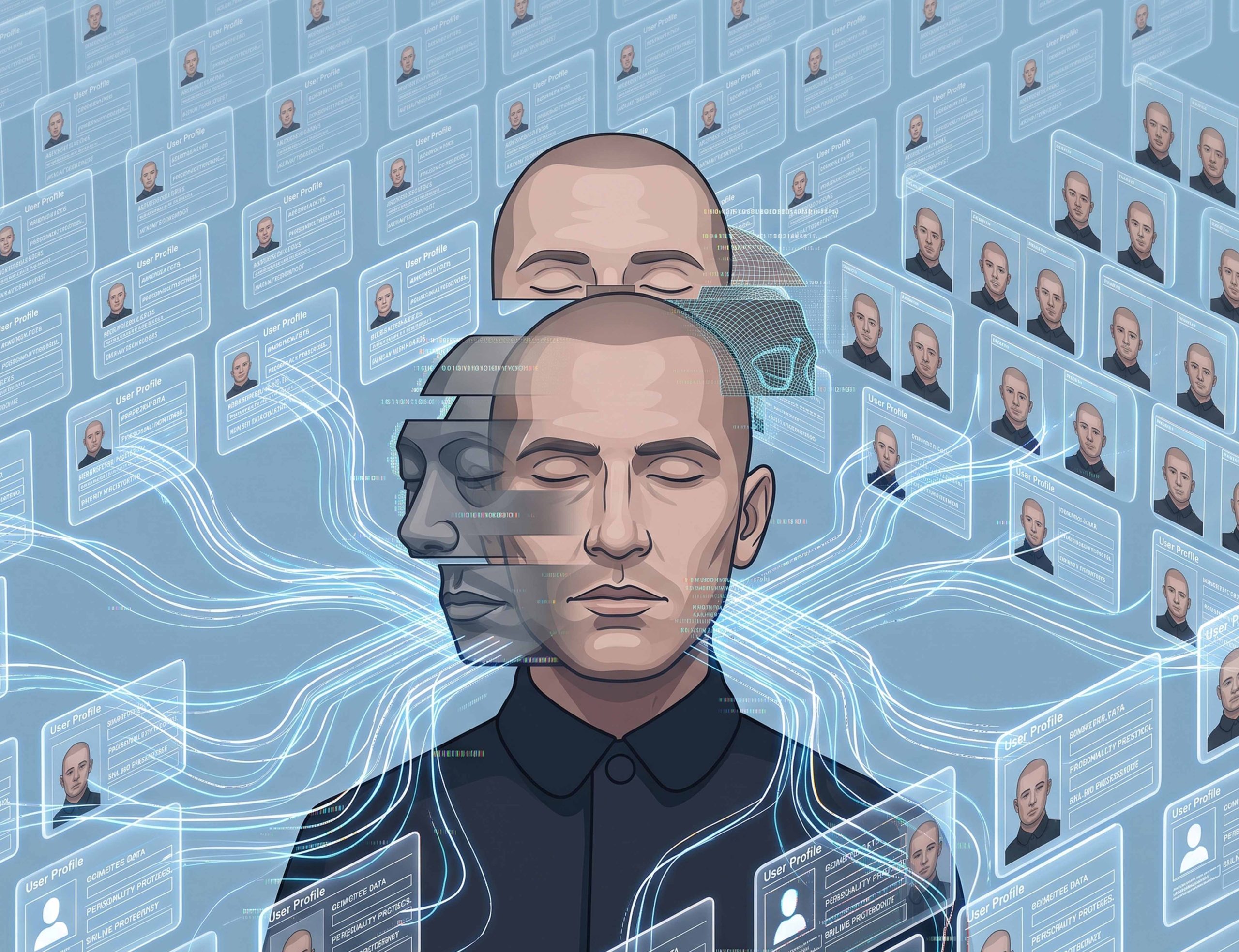
Profile cloning deserves special attention because it requires no hacking at all. A criminal simply collects information you have already made public—your profile pictures, posts, hometown, workplace, education, and mutual friends—and builds a new account that looks like yours. The fake account then sends friend requests or direct messages to people you know. Because the cloned profile looks legitimate at a glance, friends and family members may trust it without realizing it is fake. A cloned profile cannot access your real account, but it can still damage your reputation and be used to scam others in your name. Attackers might send messages to real friends about fake investment opportunities, initiate romance scams, or ask for emergency money transfers. To understand how to defend yourself, it helps to know the common attack vectors. Criminals use a variety of tactics to gain access to accounts or impersonate users, and phishing is one of the most widespread. A scammer sends an email, text, or direct message claiming there is a problem with your account—for example, an expired password or a suspicious login. The message contains a link to a fake login page that looks like the real platform and is designed to capture your username and password. If you receive such a message, do not click any links; contact the platform directly through its official Contact Us page or help center. Legitimate social media platforms do not typically contact users through text, phone calls, or direct messages to ask for credentials. Password reuse is another major risk. If you use the same password on multiple websites, a data breach at one company can give criminals the credentials they need to access your social media accounts as well. That is why you should only use a password once. Malware is another route: malicious software installed on your device, often via phishing messages or untrusted downloads, can capture passwords, cookies, and other sensitive information. For profile cloning, the main input is simply your public profile information, so limiting what strangers can see is critical.
Protecting your social media accounts does not require advanced technical skills, but it does require deliberate habits. Start with passwords. Every social media account should have its own unique password, and ideally that password should be at least 16 characters long and made up of a random string of letters, numbers, and symbols. Since it is unrealistic to memorize dozens of such passwords, a password manager can generate and securely store them for you. Password managers also reduce the temptation to reuse a password, which is one of the easiest ways for attackers to move from a breached account to your social profiles. Next, turn on multifactor authentication, commonly called MFA. MFA adds an extra layer of security beyond your password. Even if someone steals your credentials through phishing or a data breach, they will still need the second authentication factor to get into your account. Whenever possible, use an authenticator app instead of text message verification, and never share a verification code with anyone. No legitimate service will ask you for your MFA code, so any request for one is a red flag. Keeping your devices and software updated is just as important. Software updates regularly include security patches that fix vulnerabilities attackers actively exploit. Enabling automatic updates on your phone, computer, web browser, apps, and software ensures that you receive these patches without having to remember to check for them. Finally, be watchful for phishing messages. Be skeptical of any unexpected inbound message claiming that your account has been suspended, verified, or compromised. Instead of clicking links in emails or direct messages, open the social media platform yourself by typing the website into your browser or using the official app. These steps take only a few minutes but can prevent hours or even weeks of recovery work.
Another powerful defense is to review your privacy settings. Limiting what strangers can see makes it harder for criminals to build convincing fake profiles or steal information that can be used in security questions. Consider making your friends list, photos, workplace, and location visible only to friends. Some information, such as your contact details and birthday, does not need to be on social media at all. Think carefully about anything you post publicly: a criminal who knows your high school, pet’s name, or mother’s maiden name may be able to answer account recovery questions or impersonate you. Also, remember that posting to a wide audience about your vacation tells people that you are not at home. In general, the less publicly available information, the safer you are. You should also be cautious with friend requests. Receiving a friend request from someone you are already connected to can be a warning sign that a cloned profile exists. Before accepting a duplicate request, contact the person through another method—a phone call, text message, or their confirmed real account—to make sure they actually created a new account. If you receive a friend request from a stranger who appears to share many mutual friends, examine the profile closely before accepting it. Fake accounts often look convincing, but there are usually warning signs. Look for profiles that have very few posts or no recent activity, recently joined the platform, send unexpected friend requests, ask for money, gift cards, or personal information, share suspicious links, or have copied photos or another person’s profile information. If something feels off, you are not obligated to friend them. Trust your instincts; it is better to miss a legitimate request than to let a scammer into your network.
Even with the best precautions, you may one day suspect that your account has been hacked or cloned. Acting quickly can limit the fallout. If you think someone has taken over your real account, start by changing your password immediately, as long as you still have access. Make the new password long, unique, and not obviously linked to you. Enable multifactor authentication if it is not already turned on. Next, review your recent login activity and remove any unfamiliar devices or sessions. Most platforms provide a list of active sessions; from there you can sign out of devices you no longer recognize. Then notify your friends that your account may have been compromised. This is important because attackers often send scam messages to your entire contact list before you even realize what has happened. Finally, report the incident using the platform’s account recovery tools. These tools are designed to help verified account owners regain access, and they may ask you to verify your identity through an email address or phone number associated with the account. If someone has created a fake account impersonating you, the approach is different. First, search for the fake profile; if you cannot find it, ask friends to look for it. Report it as impersonation through the social media platform’s reporting system. Ask friends and family to report the account as well, since multiple reports often accelerate the platform’s review. Warn your contacts not to accept friend requests or respond to messages from the fake profile. Finally, review your privacy settings to reduce the amount of publicly visible information. The less public information a scammer has, the less convincing their next clone can be. It can also be helpful to communicate openly with your network after an incident; telling people what happened and what signs to look for can prevent friends from falling victim to a follow-up scam.
Understanding the questions people often ask about social media account takeovers can help you stay a step ahead. How do hackers take over social media accounts? Most account takeovers happen through phishing scams, stolen passwords, password reuse after a data breach, malware, or social engineering attacks that trick users into revealing login credentials. What is the difference between an account takeover and profile cloning? An account takeover means a criminal gains access to your real account and can operate it. Profile cloning happens when someone creates a fake account using your publicly available information to impersonate you without ever accessing your actual profile. Both can be used to scam your friends, damage your reputation, and spread malicious content. How can you protect your social media accounts? Use a unique password for every account, enable multifactor authentication, keep your software updated, avoid clicking suspicious links, and limit the personal information visible on your public profile. These are not complex tasks, but they require consistency. What should you do if someone creates a fake social media profile pretending to be you? Report the impersonation to the social media platform, ask your friends and family to report it as well, warn your contacts not to interact with the fake account, and tighten your privacy settings. The sooner you act, the fewer people are likely to be harmed. In the end, social media platforms make it easy to connect with others, but they also give criminals opportunities to exploit trust. A few minutes spent securing your accounts today can save you from major headaches recovering from an account takeover tomorrow. You do not need to become a cybersecurity expert to protect yourself; you just need to make smart choices about passwords, authentication, software updates, and the information you share. By staying alert, knowing what to do when something goes wrong, and helping friends understand the risks, you make your entire network more resilient. For more cybersecurity tips, many organizations offer free resources and email newsletters to keep you informed of emerging threats. The key is to stay a step ahead of social media scammers, because in an age of constant connection, awareness is one of the strongest defenses you have.